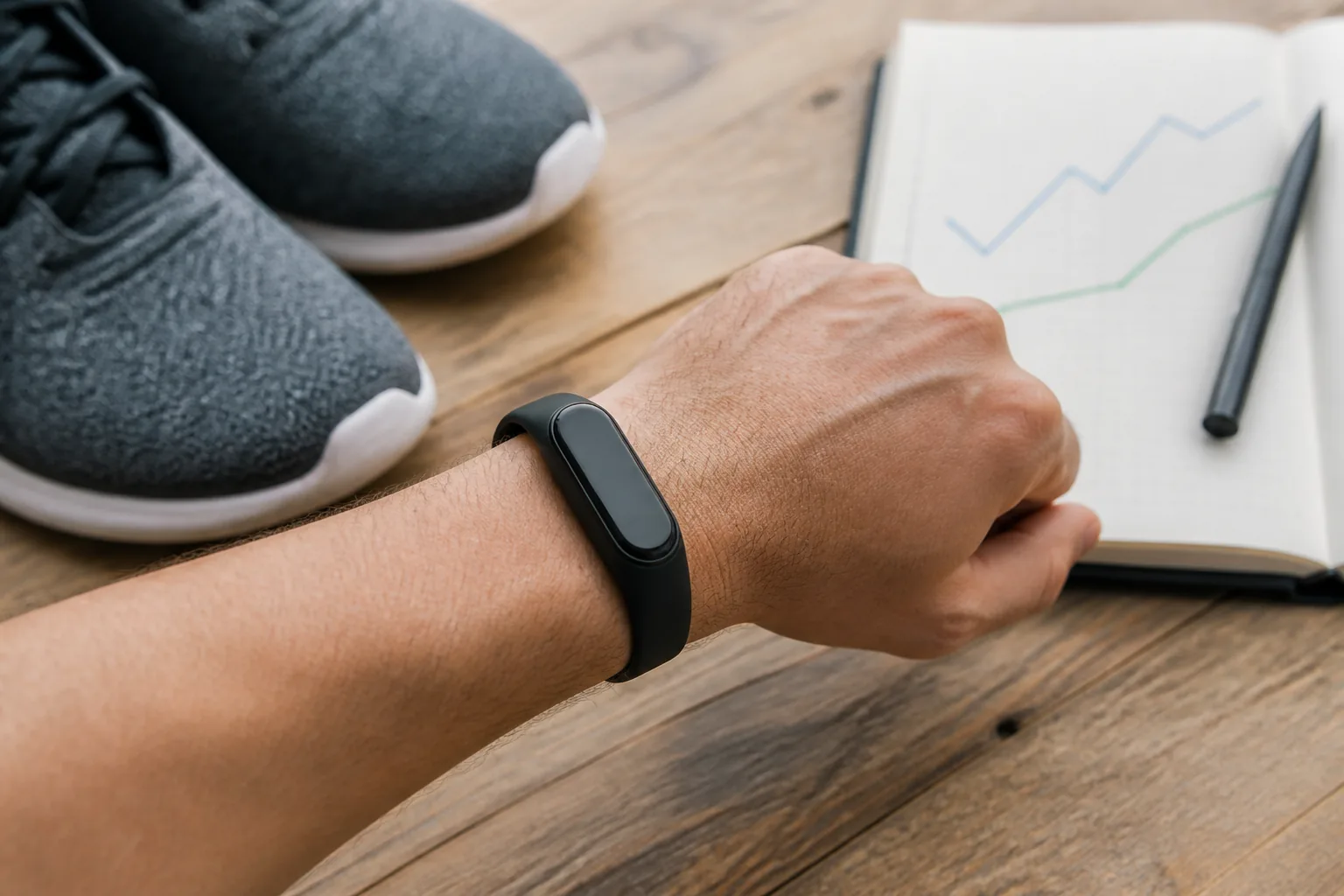
Fitness apps for habit building can make a routine easier to remember, plan and review. They can also create notification overload, unrealistic streaks and an endless stream of numbers. The difference often comes down to setup.
Mobile exercise apps rank among the leading fitness trends for 2026. The most useful app is not necessarily the one with the largest exercise library. It is the one that reduces friction between your intention and the next sensible action.
This guide shows how to use fitness apps with simple goals, minimum workouts, reminders and weekly reviews. It does not recommend a specific paid product; features and privacy policies change. Evaluate any app before giving it health, location or payment information.
Give the app one job
Choose a primary purpose:
- plan two strength sessions;
- record walks;
- follow a mobility routine;
- remember movement breaks;
- learn exercise technique; or
- review training and recovery.
An app that tries to coach nutrition, sleep, steps, meditation, weight, water and workouts simultaneously may create more work than it removes. Begin with one job for four weeks.
Set an action goal
Outcome goals such as “get fit” are difficult for software to guide. Use an action you control:
- Strength train for 20 minutes on Monday and Thursday.
- Walk for ten minutes after lunch three times.
- Complete the mobility routine before the first meeting.
Put the action in the calendar. Use app reminders as backup rather than the entire system.
Create a minimum version
A good habit survives imperfect days. Define the smallest meaningful version:
- one set of the strength circuit;
- a five-minute walk;
- three mobility exercises;
- opening the plan and scheduling a new time.
The minimum is not a loophole. It protects continuity and reduces the all-or-nothing response to busy weeks.
Configure notifications deliberately
Turn off promotional and social notifications first. Keep only prompts tied to chosen actions.
Useful reminders are:
- timed near a realistic opportunity;
- specific about the action;
- limited in number; and
- easy to reschedule.
“Walk for ten minutes after lunch” is more useful than “Time to crush your goals!” If repeated notifications create guilt, disable them and use a calendar entry.
Choose a simple home screen
Show only metrics connected to your purpose. For a beginner strength habit, display planned sessions and recent workouts. You may not need calories, body weight or leaderboards.
For walking, weekly minutes and session frequency may be more useful than competing for a universal step target. For recovery, look at trends rather than placing a single readiness score in the centre of every day.
Use templates instead of browsing
Large exercise libraries create decision fatigue. Save one beginner routine and repeat it for four to six weeks. Record variations, repetitions and resistance.
Our strength training for beginners routine and resistance band workout can be entered as simple templates.
Change the program when there is a reason: progress has stalled, equipment changes, an exercise is unsuitable or the goal changes. Do not switch because the app promotes a new challenge every week.
Build a realistic weekly schedule
Example:
- Monday 6:00 pm: Strength template, 20 minutes
- Tuesday lunch: Ten-minute walk
- Thursday 6:00 pm: Strength template
- Friday lunch: Ten-minute walk
- Saturday morning: Optional recreation
- Sunday: Five-minute review
Mark the two strength sessions as the foundation and everything else as supportive. This helps you protect priorities when time is limited.
Track completion and effort
Record enough to guide the next session:
- exercise or activity;
- time, repetitions or distance;
- resistance or variation;
- effort from 1 to 10; and
- a brief note about pain or unusual fatigue.
Avoid writing a diary entry for every set unless you enjoy it. Logging should not take longer than the workout.
Use streaks carefully
Streaks can motivate, but rigid daily streaks make appropriate rest look like failure. Choose a weekly streak such as “two strength sessions” or allow recovery activities to count toward a movement routine.
If you miss a week, restart without trying to compensate. The skill is returning, not maintaining an unbroken graphic forever.
Review once a week
Set a five- to ten-minute review:
- Which planned actions were completed?
- What made starting easy?
- What repeatedly got in the way?
- Did the routine support or drain recovery?
- What one adjustment will I make?
Change the environment before blaming motivation. Move the session, shorten it, prepare equipment or choose a clearer cue.
Privacy and data questions
Fitness apps may collect activity, health, location and device information. Before connecting services:
- read the plain-language privacy summary;
- check whether data is sold or used for advertising;
- review public profile defaults;
- disable route sharing you do not need;
- inspect connected third parties;
- use a unique password and multi-factor authentication when available; and
- know how to export or delete your data.
Do not post home-address routes publicly. Consider starting GPS recording away from your exact residence.
Evaluate workout instruction quality
An app should provide clear form guidance, easier options and sensible progression. Be cautious when it:
- promises rapid transformation;
- treats pain as weakness;
- prescribes the same intensity to everyone;
- requires daily hard workouts;
- uses calorie punishment; or
- hides basic safety information behind a subscription.
For a health condition or injury, generic app instructions may be inadequate. Seek tailored advice.
Integrate a wearable without duplicating goals
If a watch already records steps and heart rate, decide which app is the source of truth. Duplicated sessions can inflate totals. Use one platform for the weekly review and disable redundant reminders.
The fitness trackers 2026 guide explains how to choose useful metrics. The heart rate zones guide adds context for cardio readings.
When to stop tracking
Take a break if the app increases anxiety, fuels compulsive exercise, turns meals into transactions or causes you to ignore pain and fatigue. You can exercise without logging it.
Replace the app temporarily with a paper calendar and a simple tick for completed actions. Seek support if tracking is linked to disordered eating or significant distress.
A 15-minute app setup checklist
Use this once, then stop adjusting settings every day:
- Write one four-week purpose.
- Save one repeatable workout or activity goal.
- Schedule two foundation sessions.
- Define a five-minute minimum version.
- Keep no more than two useful reminders.
- Hide calories, leaderboards or metrics you will not act on.
- Review profile visibility and route sharing.
- Connect only the services you need.
- Choose Sunday or another quiet time for a weekly review.
- Put equipment where the reminder leads to action.
After four weeks, keep, change or remove the app based on whether it made movement more consistent and less mentally demanding.
Frequently asked questions
Free app or paid subscription?
Begin with the smallest feature set that solves your problem. A paid plan may be worthwhile for high-quality programming, accessibility or coaching, but a large library has little value if you need only a timer and log. Check renewal terms before starting a trial.
Should an app choose my workout every day?
Daily recommendations can be convenient, yet they may produce random variety. A beginner usually benefits from repeating core movements and progressing gradually. Use recommendations within a stable weekly structure rather than treating every suggestion as an instruction.
What if the app and my watch disagree?
Choose one source for weekly totals. Device algorithms, start times and definitions differ. Confirm that only one service writes each type of data where possible, remove duplicate sessions and compare trends inside the same system.
Are AI-generated workouts safe?
Automated plans can organise common exercises, but they may not understand pain, diagnosis, equipment setup or real-time technique. Check the plan for balanced movement, sensible progression, rest and modifications. Do not use an app’s confidence as medical clearance.
How much data should I keep?
Keep what changes a decision. Session completion, exercise, load and effort are often sufficient. More data is not automatically more insight. Periodically export useful records and delete accounts you no longer use according to the provider’s controls.
Signs the setup is working
You spend less time choosing, remember the planned sessions, can see gradual progress and feel comfortable taking a rest day. The app fades into the background while the activity becomes familiar. If alerts and scores dominate your attention, simplify again.
The bottom line
Fitness apps for habit building work best when they have one job. Choose a controllable action, define a minimum version, reduce notifications, save a repeatable routine and review weekly.
Technology should make the next healthy action clearer. If managing the app becomes the habit, simplify it.
Further reading
- ACSM: Top Fitness Trends for 2026
- Australian eSafety Commissioner: Manage your digital safety settings
Continue with these guides
- Fitness Technology Guide
- Healthy Habits Guide
- Fitness Trackers 2026: 7 Essential Ways to Use Wearable Data
- Exercise for Healthy Ageing: A Weekly Plan for Adults 60+
A note on this post: I’m Ben Shannon, the person behind Healthful Harbor. I’m not a doctor, dietitian, physiotherapist, psychologist or any other kind of clinician. I’m a regular person who reads research, tries things, and writes about what’s worked for me. Everything on this site is general educational information, not individual medical, nutrition or mental-health advice. For your own situation, please talk with a qualified professional who knows your circumstances. See the Health Information Disclaimer for the full picture.